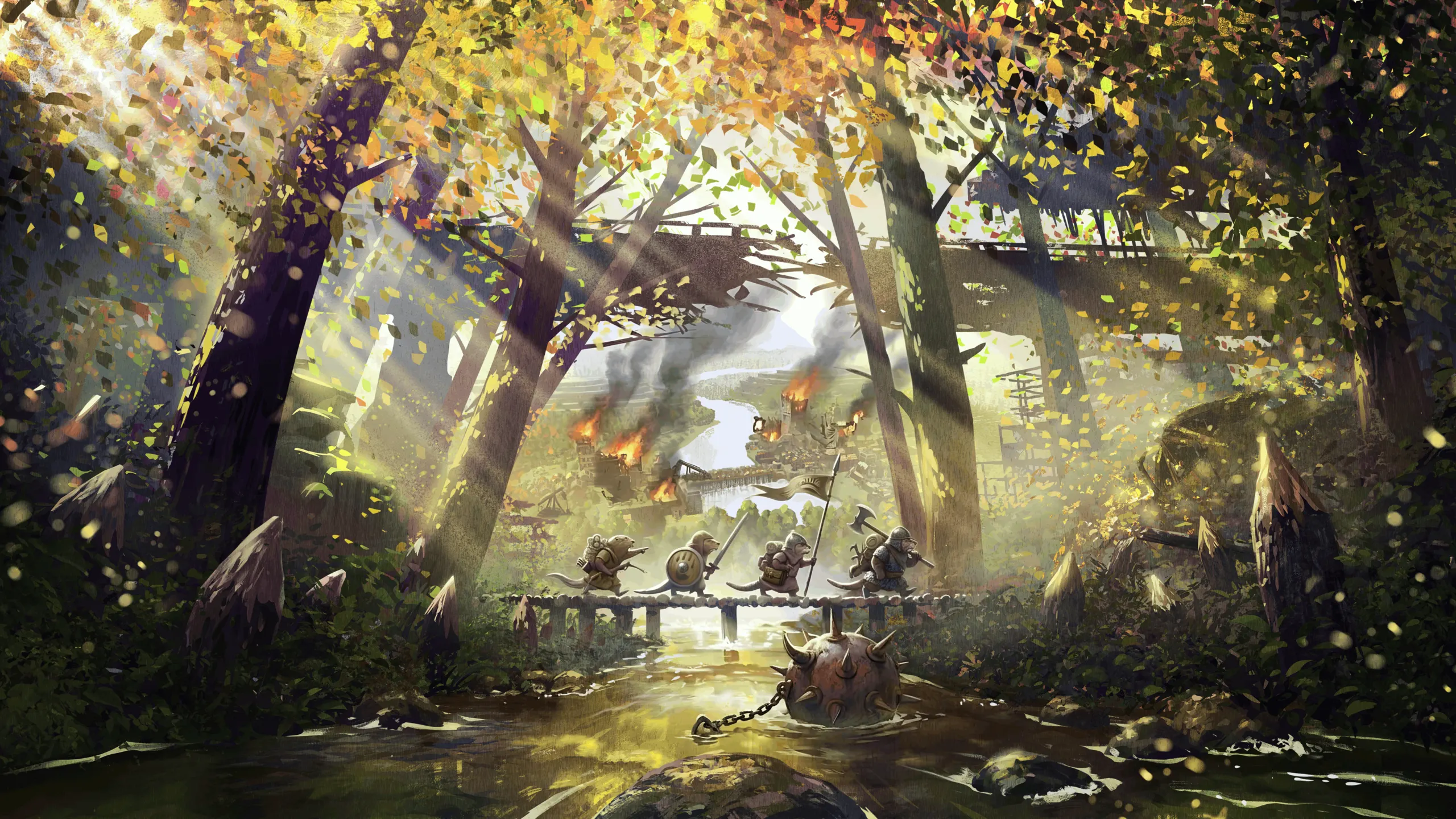

Troops and siege machines are commanded like in a real-time strategy game.
Selecting
- Click one of your troops or machines to select it.
- Drag a box to select everything of yours inside it.
- Shift-click to add a unit to the selection, or take it out.
- Double-click a unit to select every unit of that kind on screen (or every machine of that type).
- Period (
.) selects your whole army: every trained troop and every machine. - Escape clears the selection.
Orders
With troops selected, click:
| Click on | Does |
|---|---|
| Ground | Move there. Troops ignore enemies on the way, but stop and fight one that blocks their path. |
| An enemy beaver or building | Attack it. Shooters stop at their range. The target is outlined in red. |
| Ctrl + ground | Attack-move: fight whatever they meet on the way. |
| Shift + ground | Add a waypoint. |
| Alt + ground | Patrol between where they are and there, fighting on the way. |
| Alt + one of your units, machines or buildings | Guard it, and follow it when it moves. |
| One of your machines | Board it as crew. |
| One of your walls | Line up on its walkway around that spot and hold there. |
Troops sent together with carts or machines march at the slowest one’s pace.
With a wheeled machine selected (catapult or ballista), clicking an enemy both aims at it and sends the machine rolling towards it. A machine doesn’t fire while it moves.
Getting around
Troops and supply carts don’t need roads: they walk wherever the ground lets them, across open land and far from your districts. Cut off from their district, they still belong to it and keep their place at their barracks or wagon yard.
They can’t climb a step in the ground on their own. That’s what Field Ladders are for: build one against a one-level step and your troops and carters use it by themselves, up or down, picking the ladder that leaves them closest to where they’re going. Only your side’s troops and carters climb your ladders. The Siege Tower (Iron Teeth) climbs two levels, onto a wall’s walkway. Machines can’t climb ladders: they need a Field Ramp.
Keys
All of these can be changed in the game’s key bindings, under “Timber Empires troops”.
| Key | Does |
|---|---|
. | Select all troops and machines |
| J | Aggressive stance |
| K | Defensive stance |
| H | Hold position |
| N | Man the nearest wall |
| Backspace | Send home |
| Ctrl + 1 to 9 | Save the selection as a control group |
| Alt + 1 to 9 | Select a control group. Press twice to move the camera to it |
Stances
- Aggressive (default). Chases any enemy that comes close.
- Defensive. Only fights enemies within 4 tiles of its post.
- Hold. Only hits what it can reach from where it stands. Holding troops don’t step aside or walk off to be healed.
Formations
Block (default), Line, Column, Wedge and Loose. Melee troops go in front, herbalists in the middle, shooters at the back and carts behind. Picking a formation re-forms the group where it stands.
The troop panel
While troops are selected, the bottom bar becomes the troop panel: the army button (with a count, and buttons to keep only one kind or machine type in the selection), the three stances, the five formations and “Go home”.