Runs on your Mac. Nothing is sent anywhere.
Keep every terminal straight
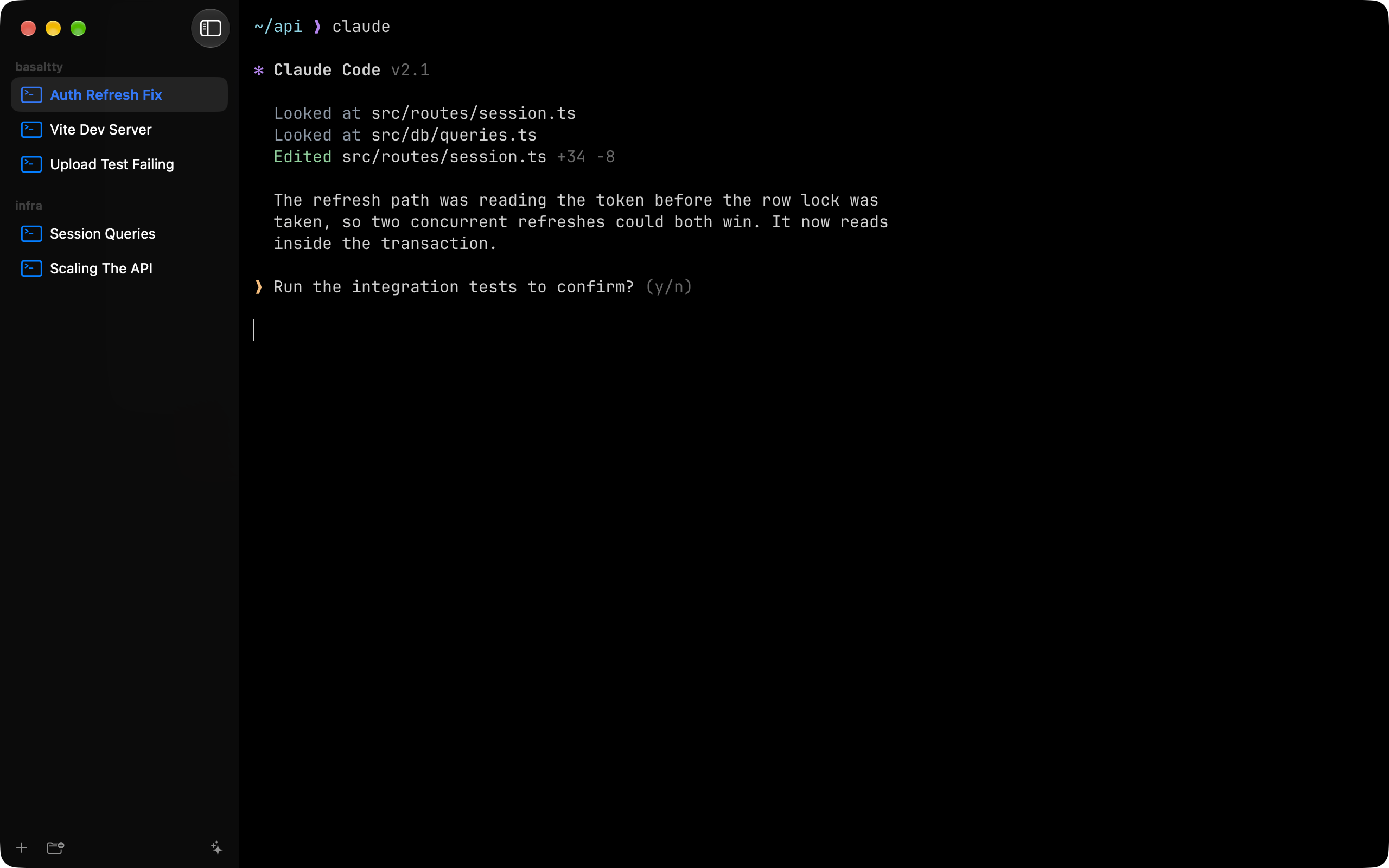
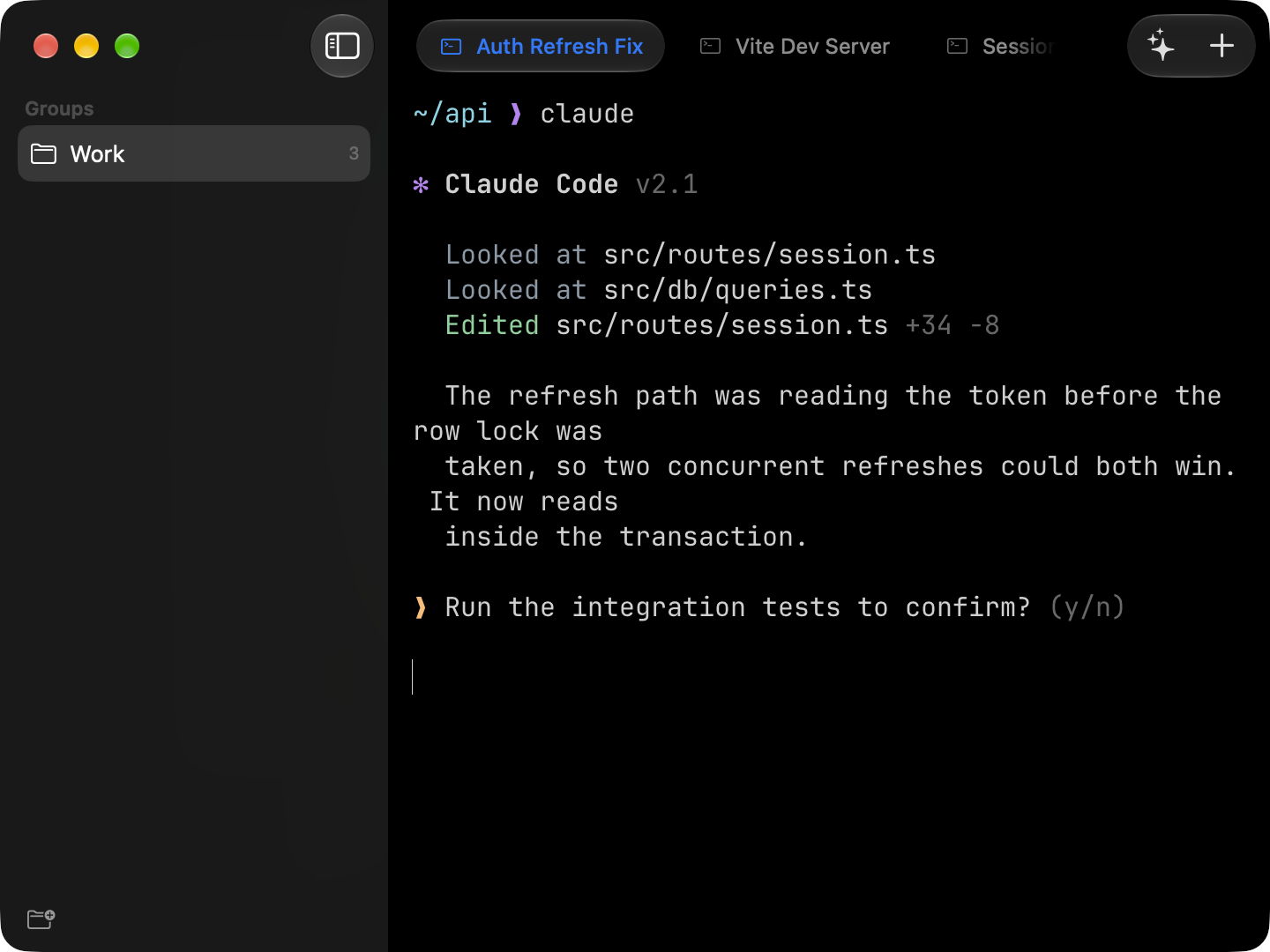
A Mac terminal that keeps up with you. However many sessions you have open, every one is labeled, grouped, and asks for you when it needs you. The iPhone and iPad apps open the same sessions.
macOS 26 or later, Apple silicon. iOS and iPadOS 26 on the App Store.
On device
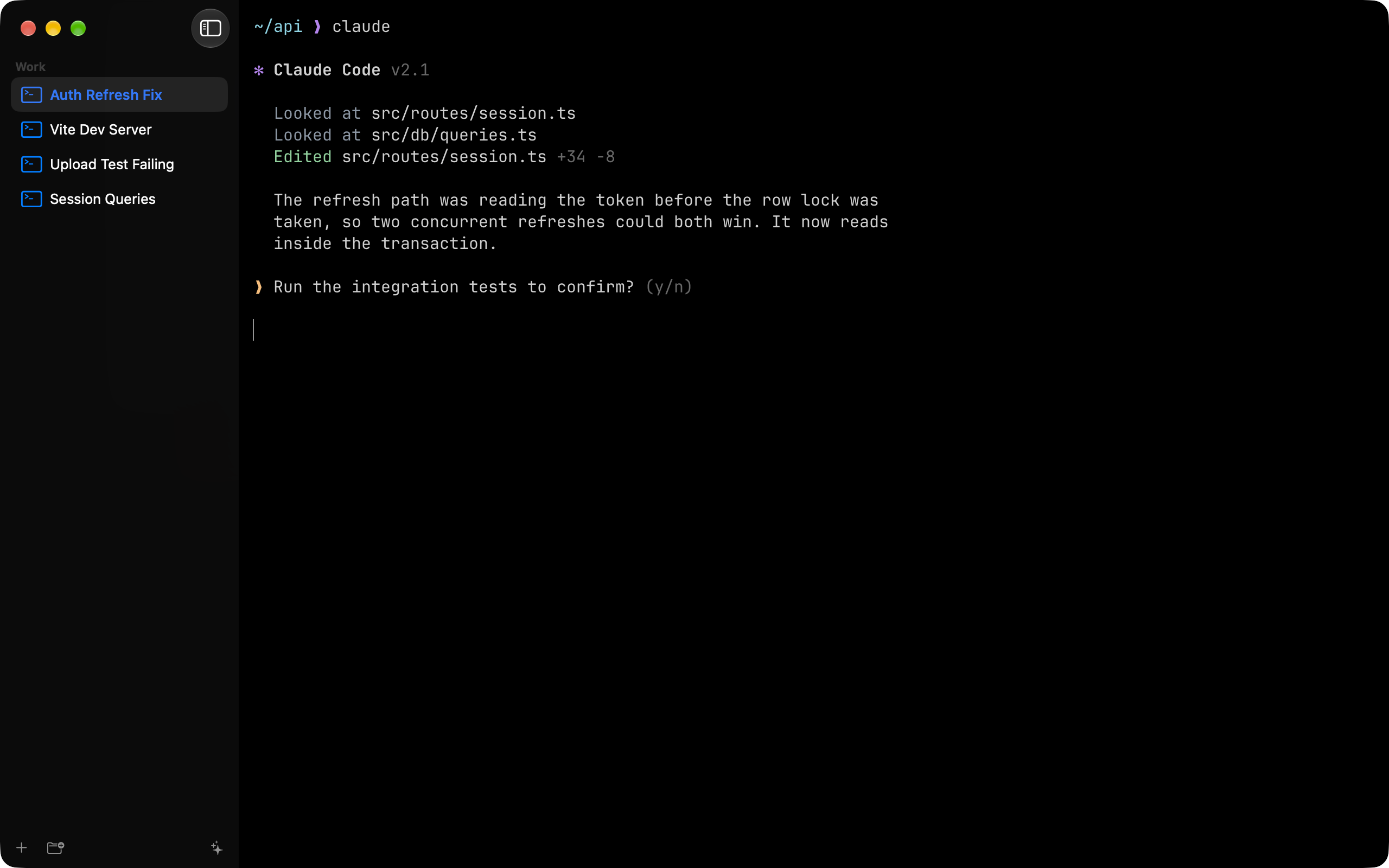
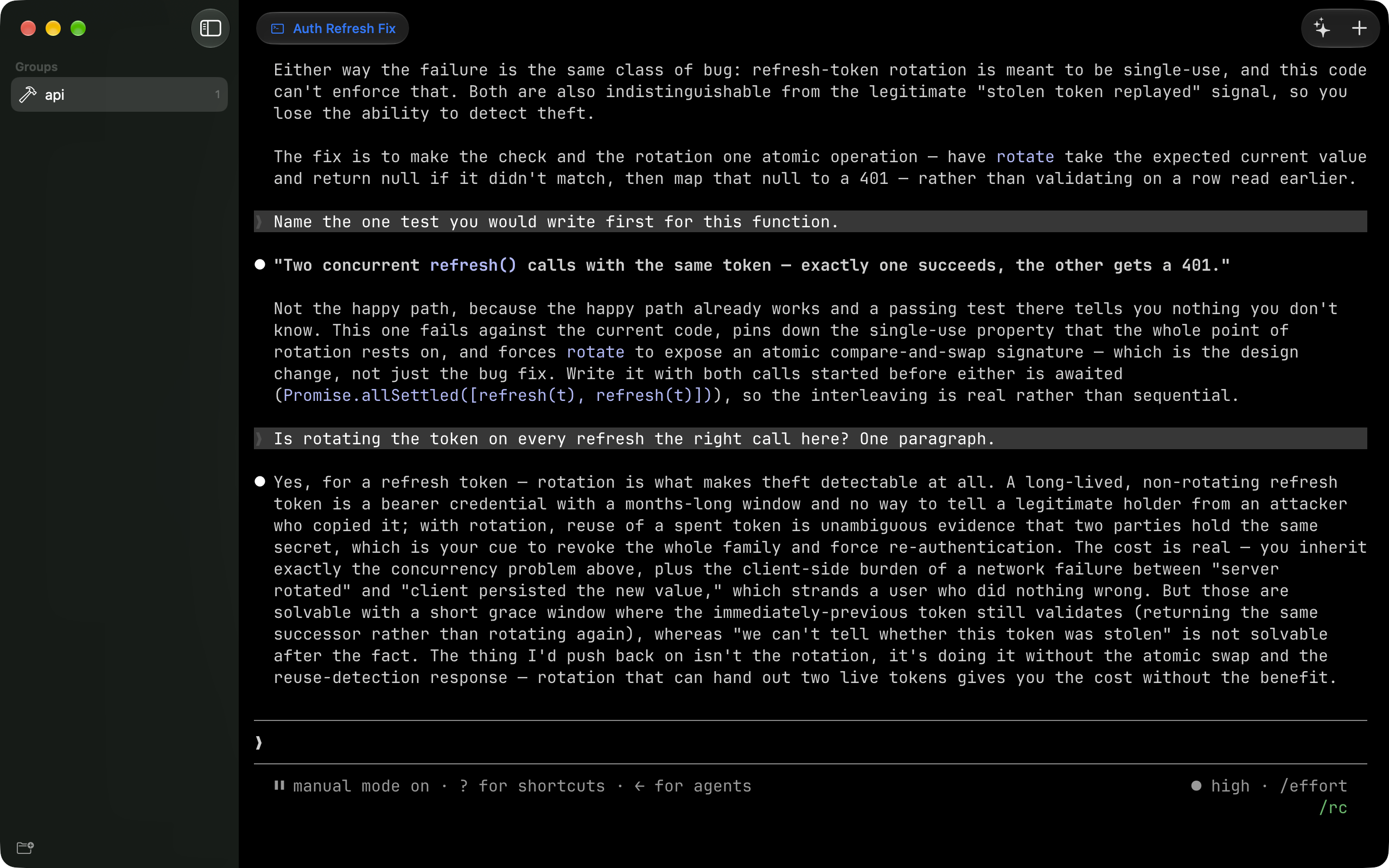
Tabs that name themselves
Every tab says what it is working on. Name one yourself and it keeps that name.
On device
Tidy up in one click
A crowded window sorts itself into named groups.
Teach it your tools
Coding agents work out of the box. Anything else you run, you can teach it in a few lines of bash.
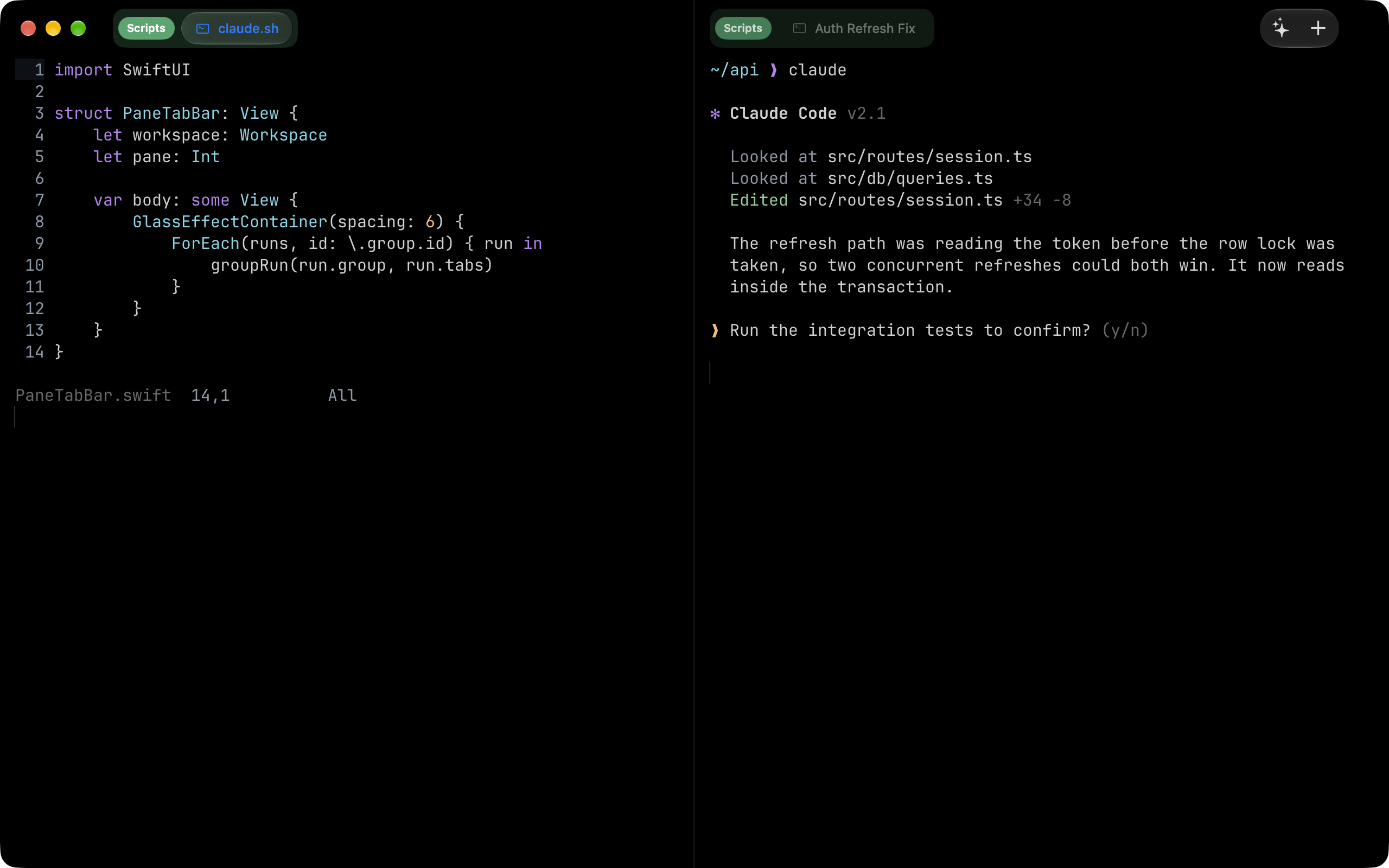
It tells you when you are needed
A tab waiting on an answer gets a badge and a notification. Click it and you are there.
iPhone and iPad
Basaltty is not only a Mac app
Every terminal your Mac has open is live on your iPhone and iPad: the same scrollback, a keyboard built for a shell, and the SSH hosts you saved once. Free, and open now.
Get it for iPhone and iPad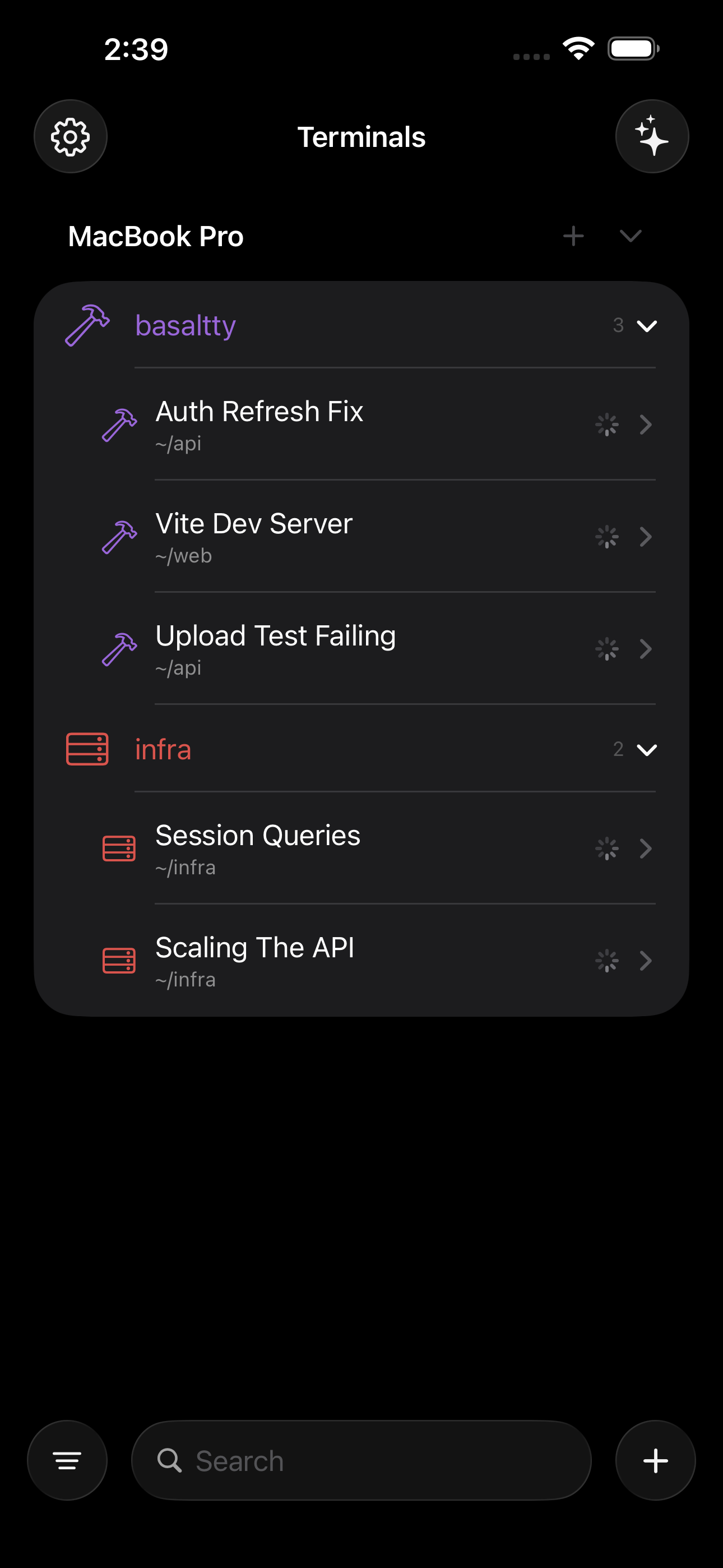
On iPhone
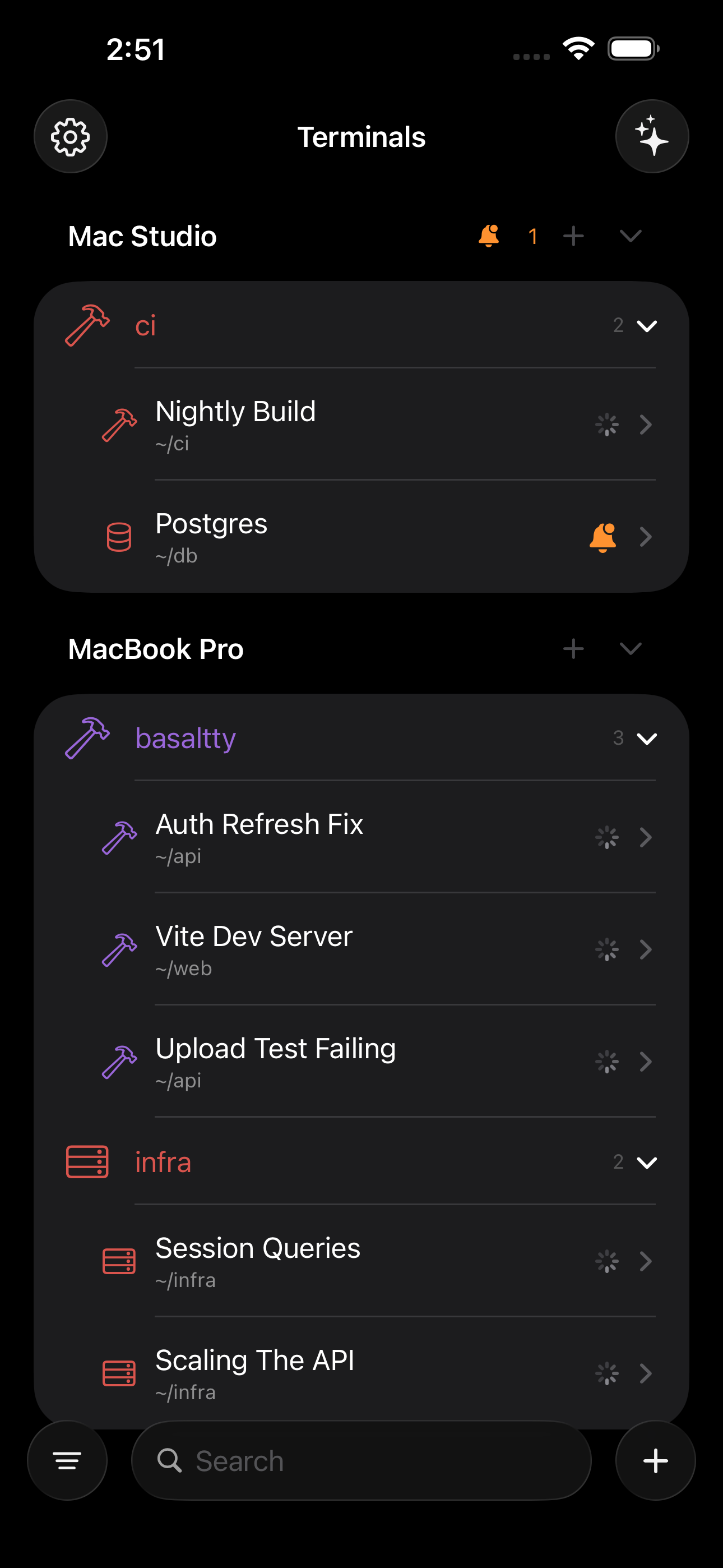
Every session, in your pocket
The terminals your Mac has open, live on your phone: the same scrollback, the same colours, and a keyboard that can answer them.
On iPhone
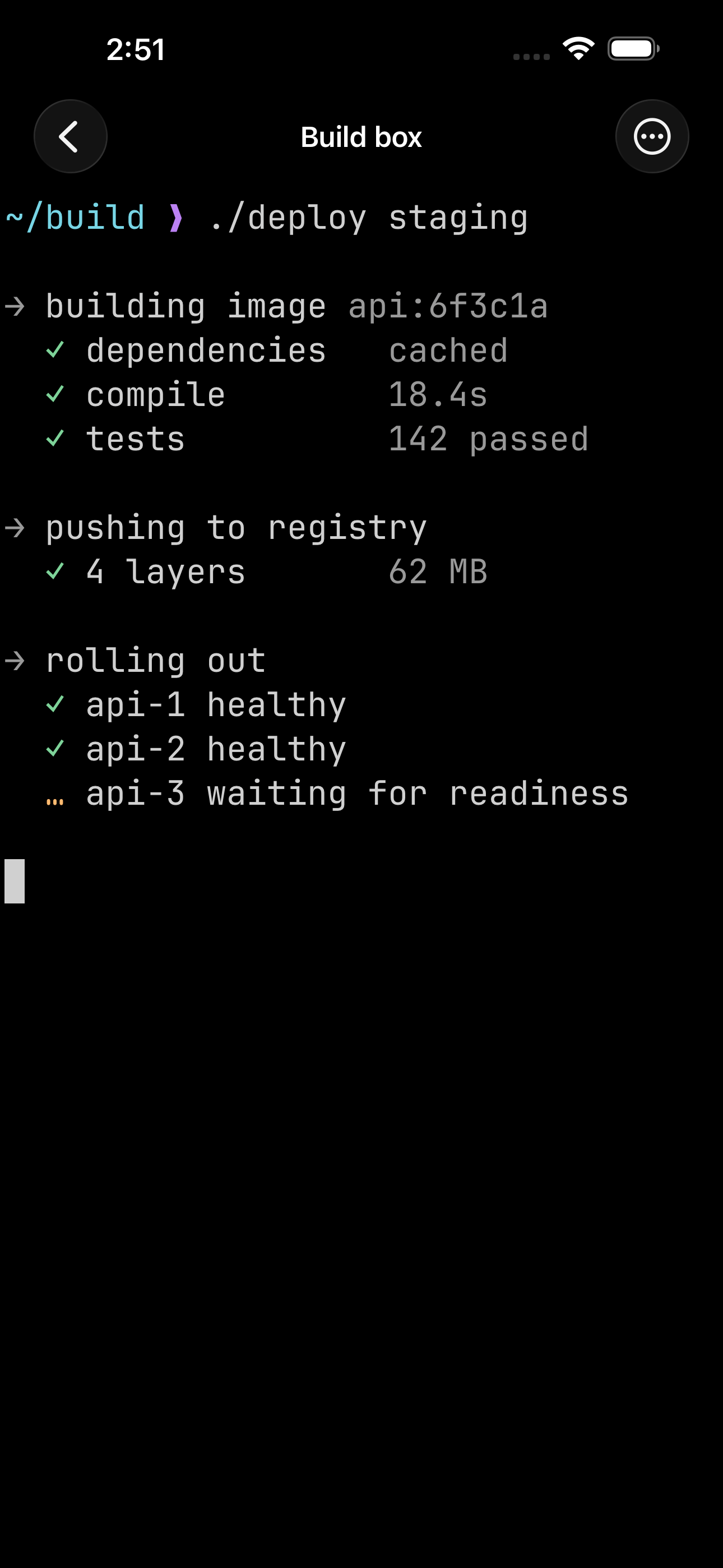
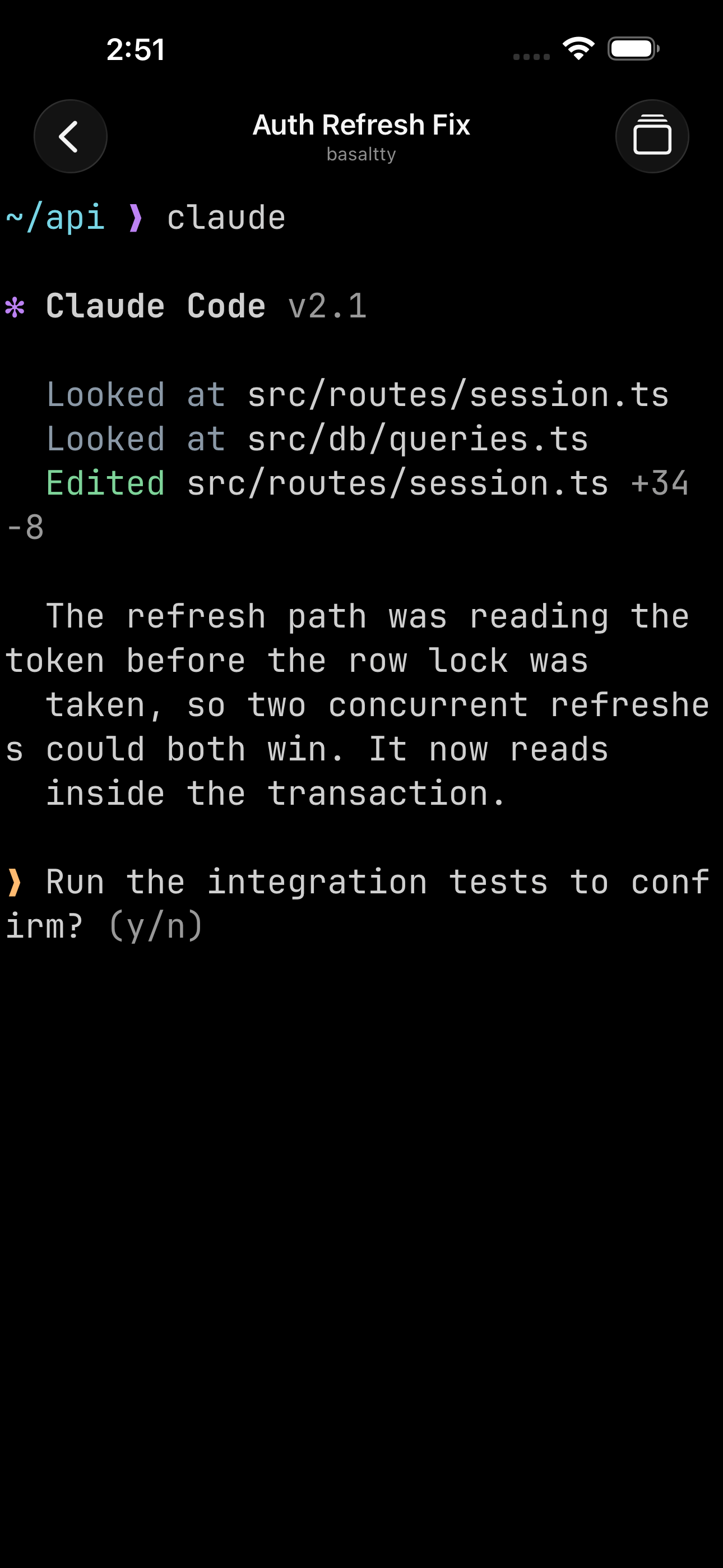
Answer the one that is waiting
Tap a session and it is the real thing, still running on the Mac. Type into it from wherever you are and the Mac carries on.
On iPhone
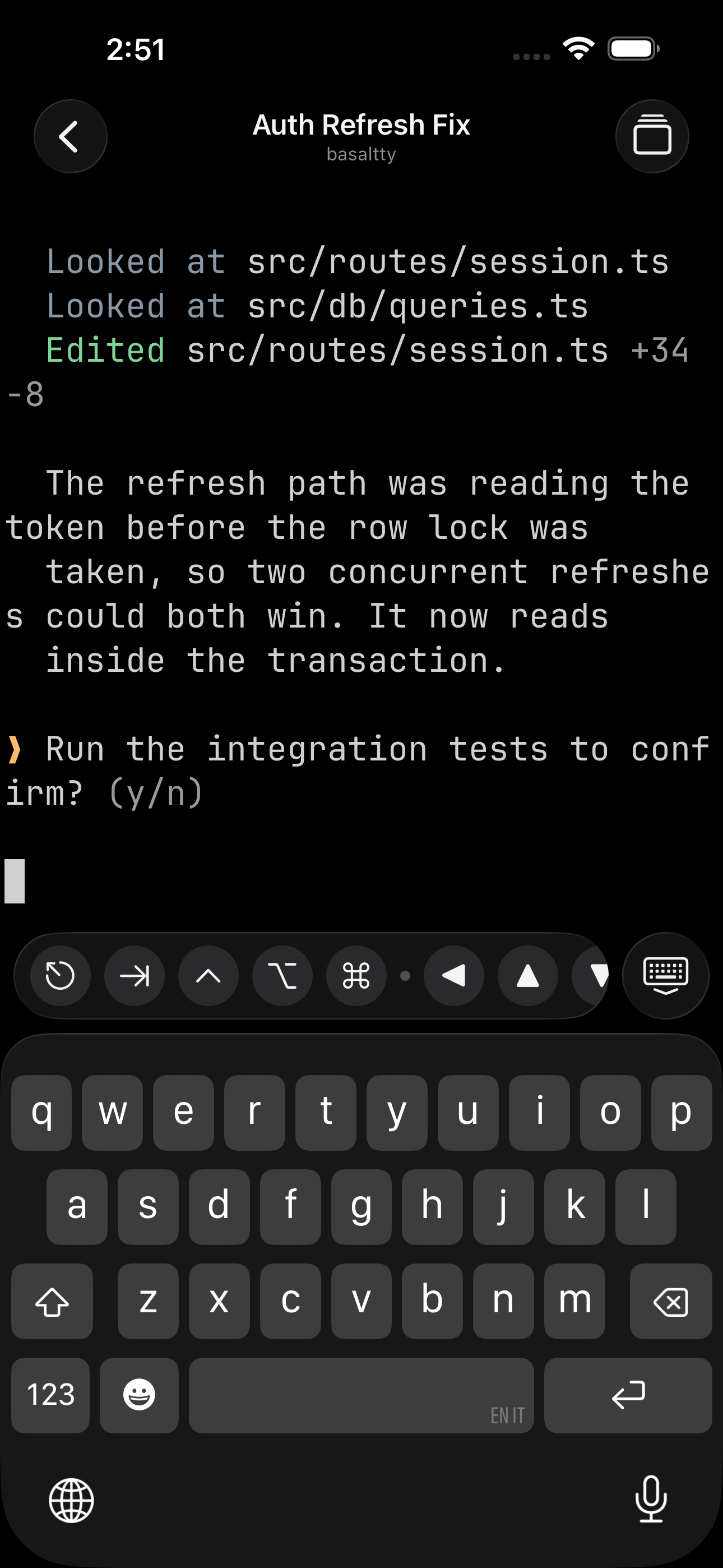
A keyboard with the keys a terminal needs
Escape, control, tab and the arrows, above the keyboard where a thumb can reach them. Arrange the row however you like.
Mac, iPhone and iPad
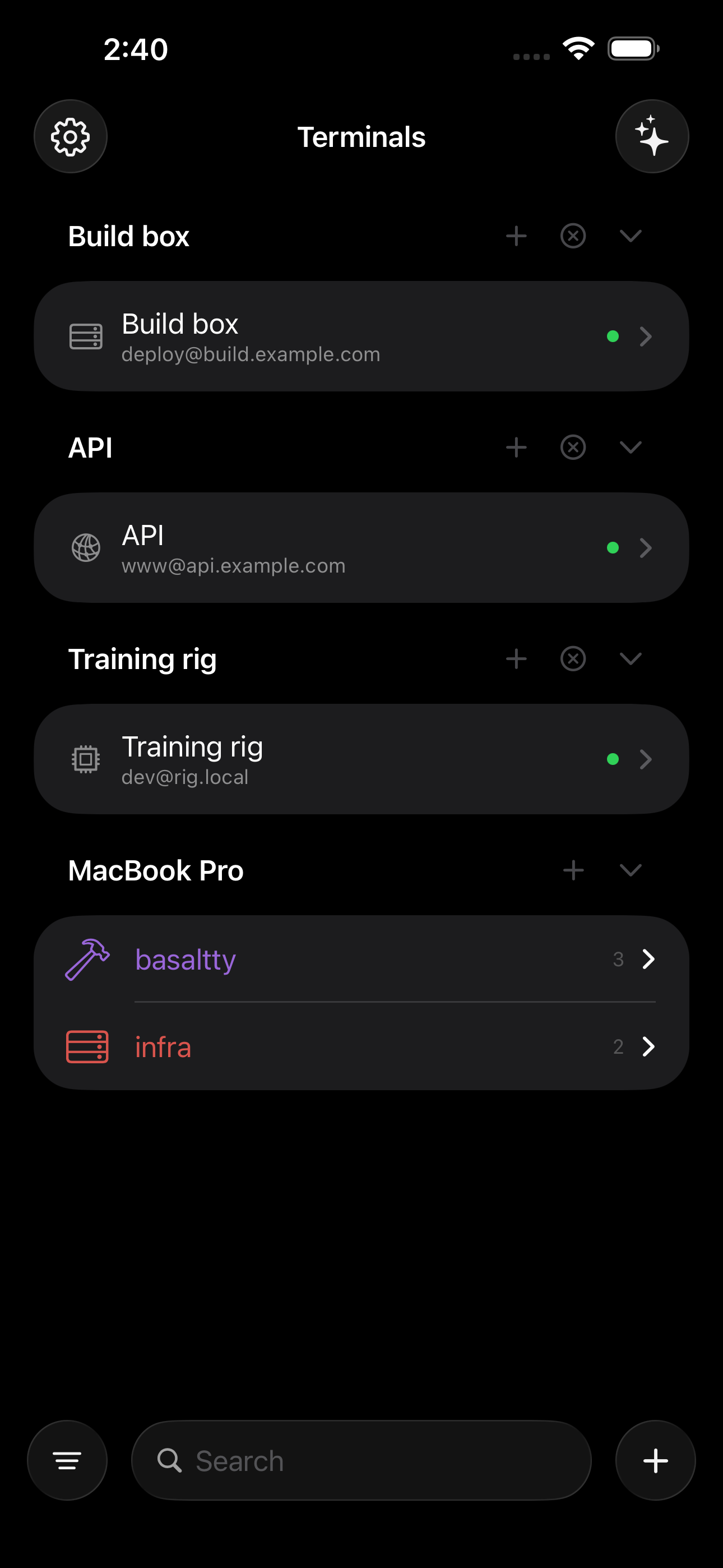
Your hosts, from whichever device you have
Save a host once and it is on your Mac, your iPhone and your iPad. The hosts travel through your own iCloud; the keys sit in the keychain, which iCloud encrypts end to end. RSA, ECDSA and Ed25519, and 1Password can hold the key and do the signing itself.
On iPad
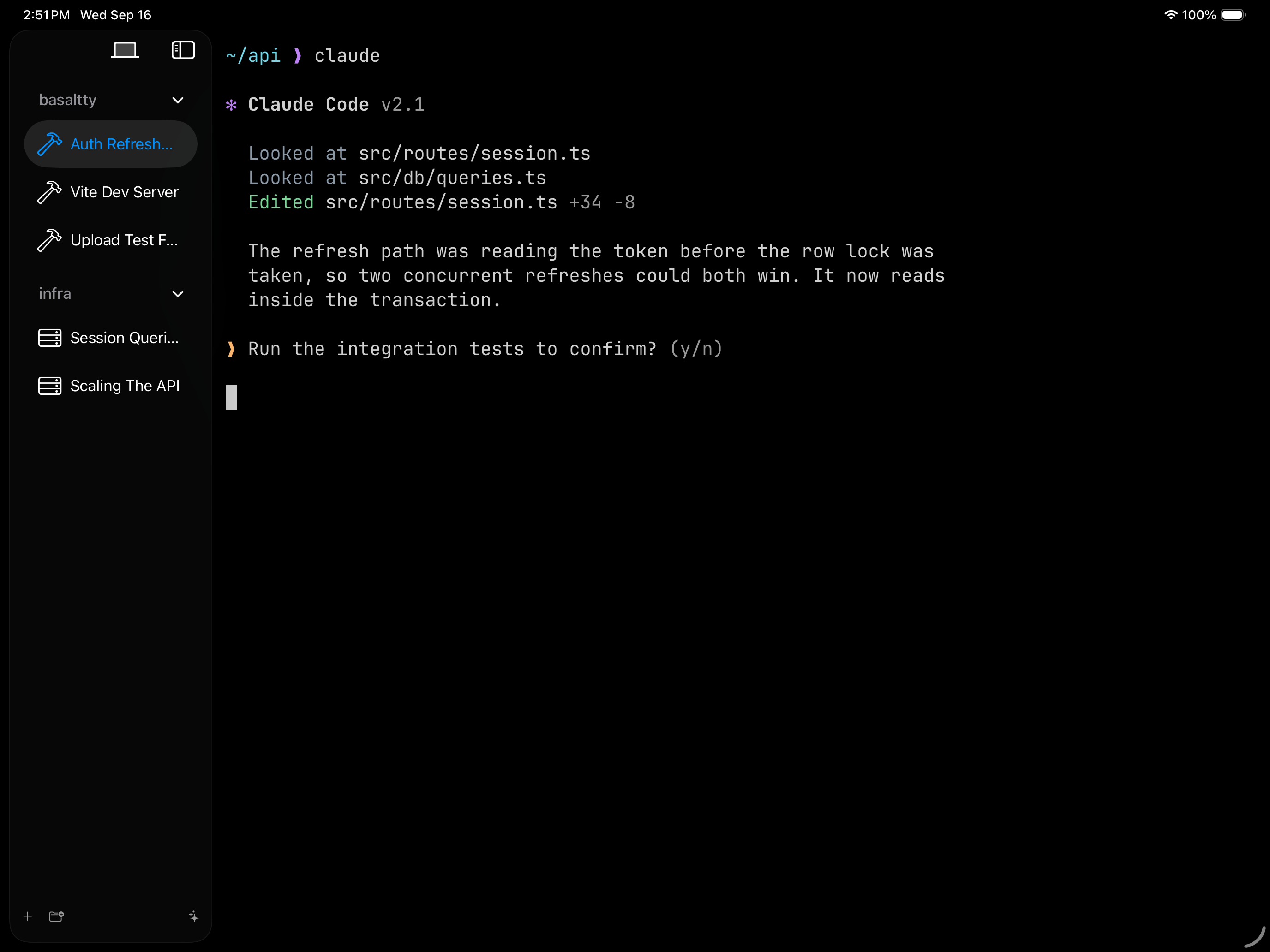
On iPad, the Mac's own layout
Not a stretched phone app: the sidebar, the groups, the splits and the context menus, because it is the same code the Mac runs.
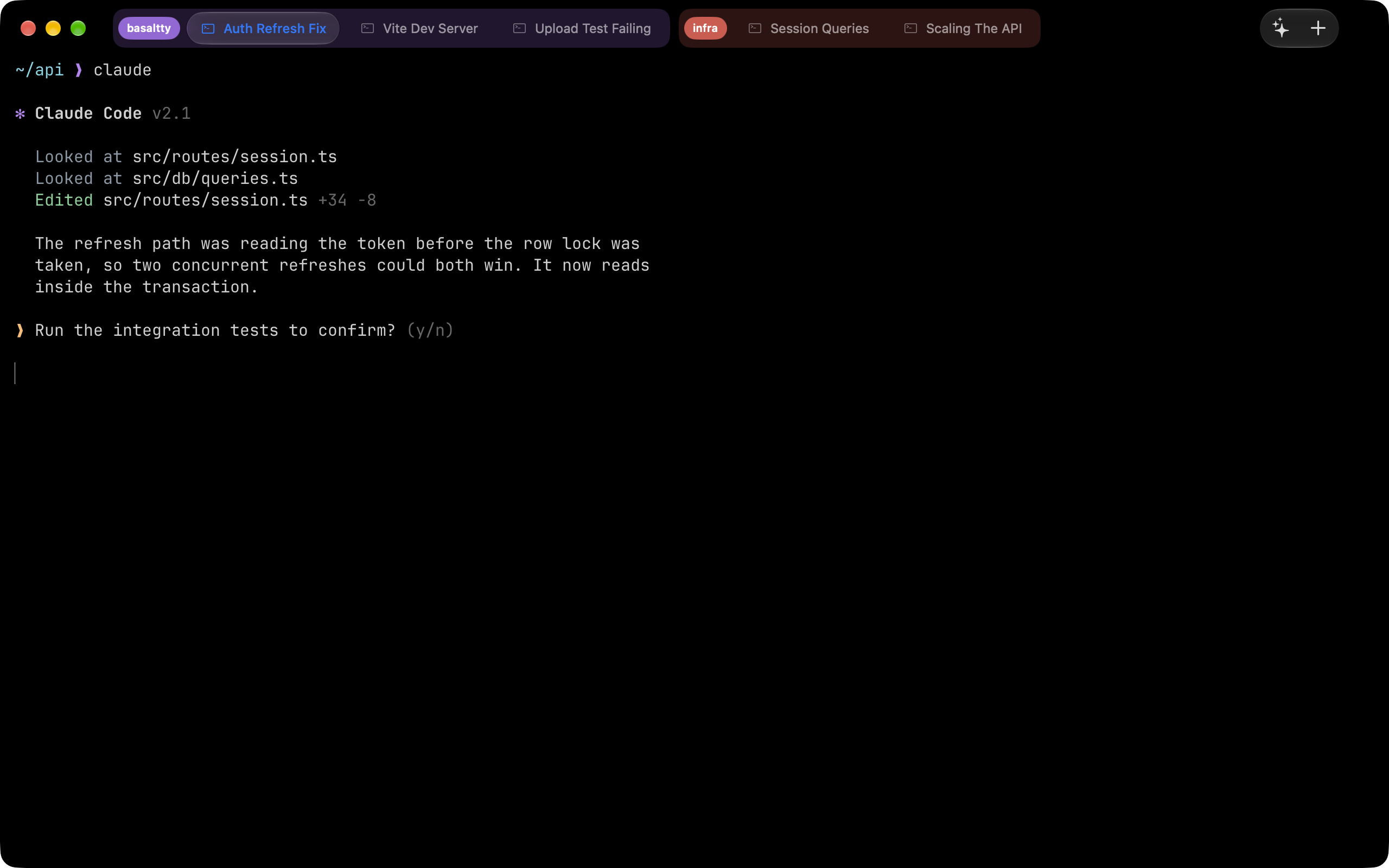
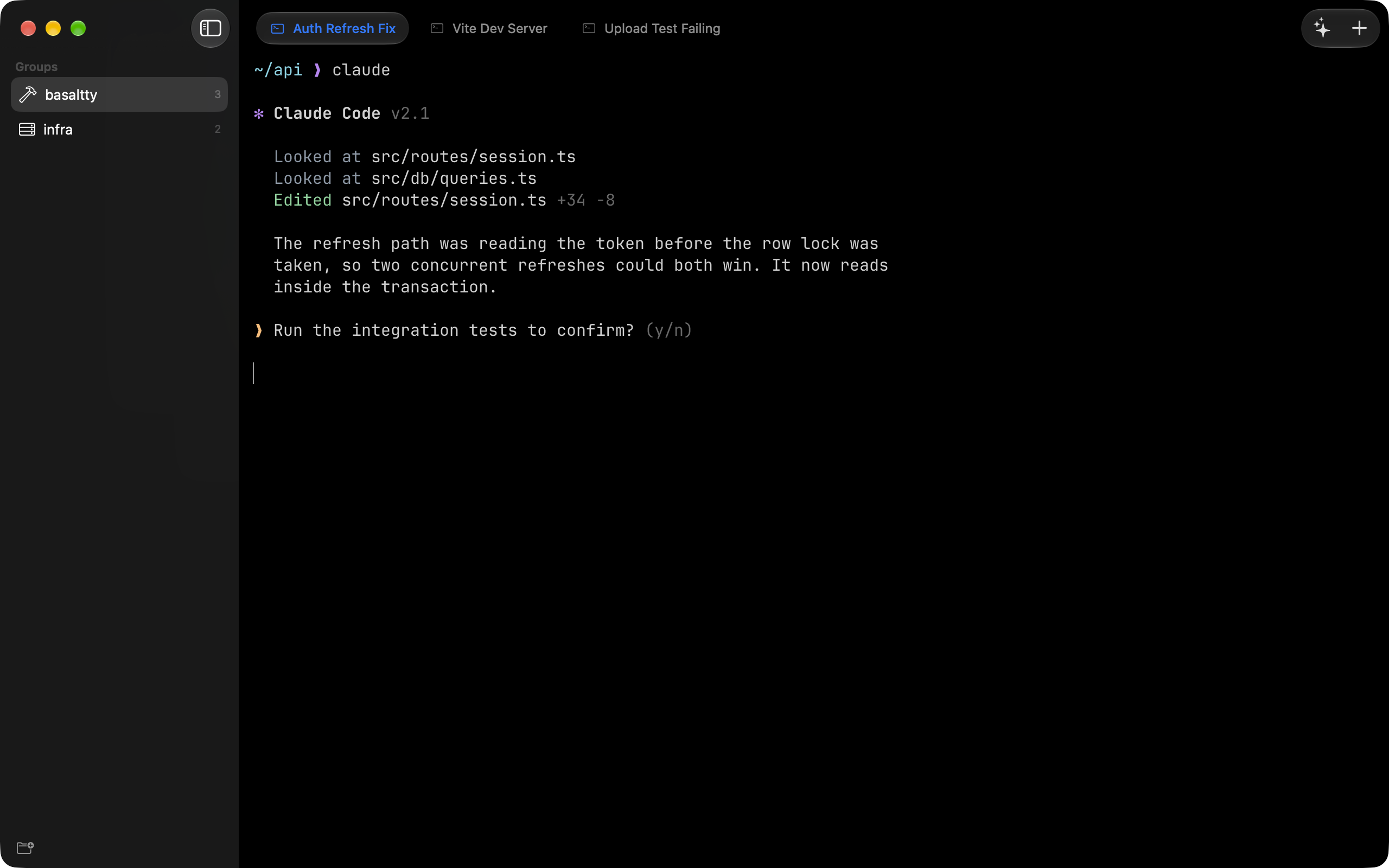
Groups, like your browser has
Colored and named. Collapse the ones you are not in, drag tabs between them.
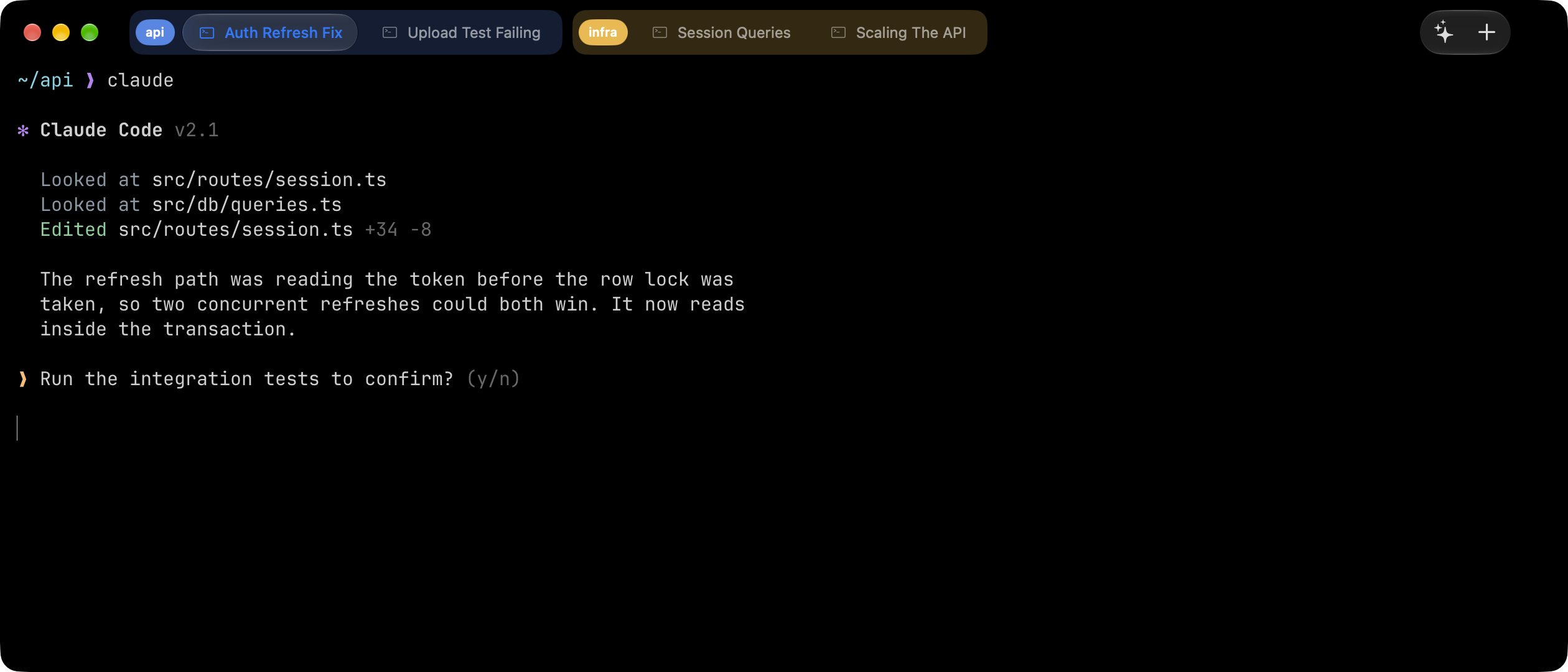
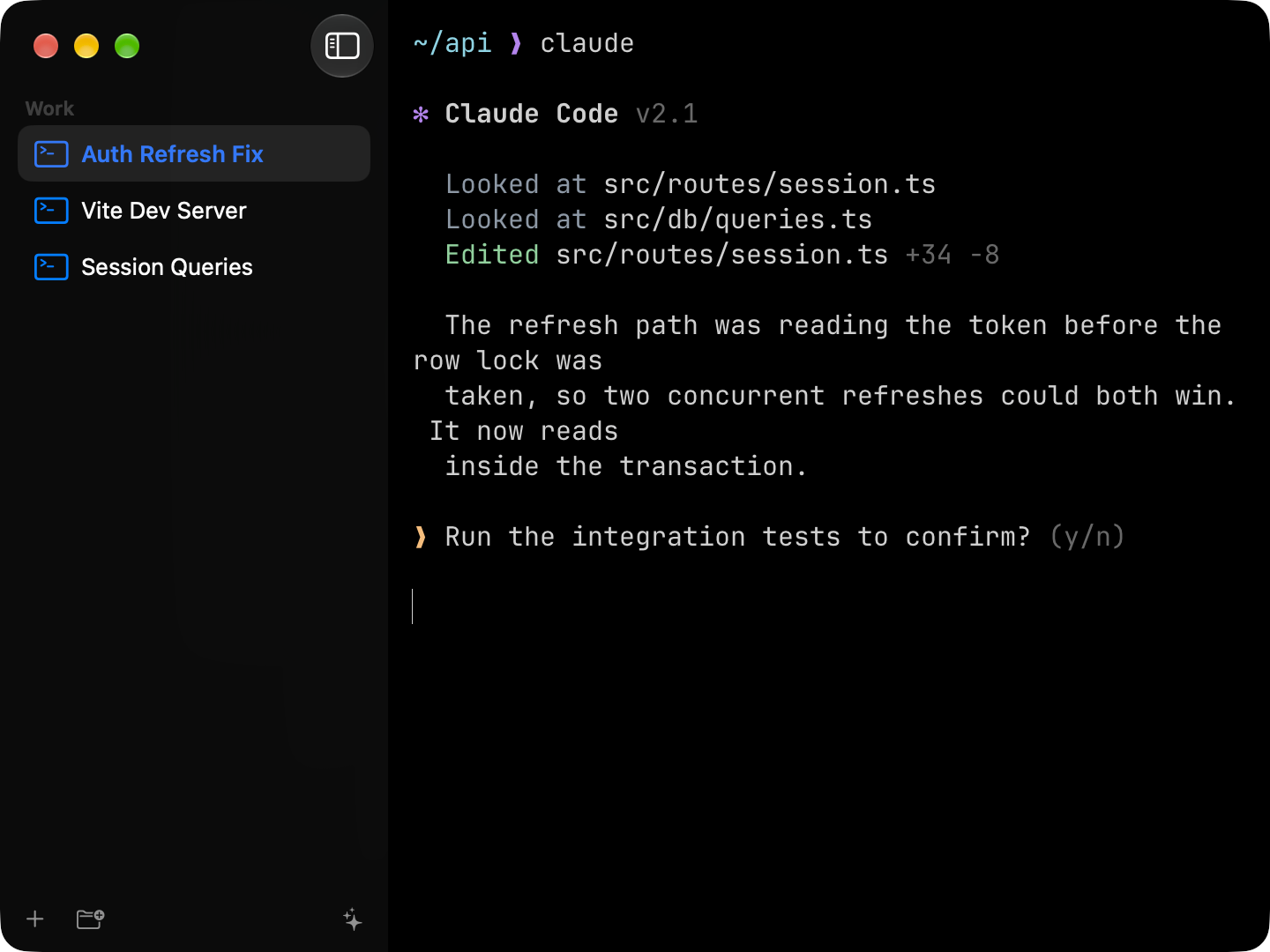
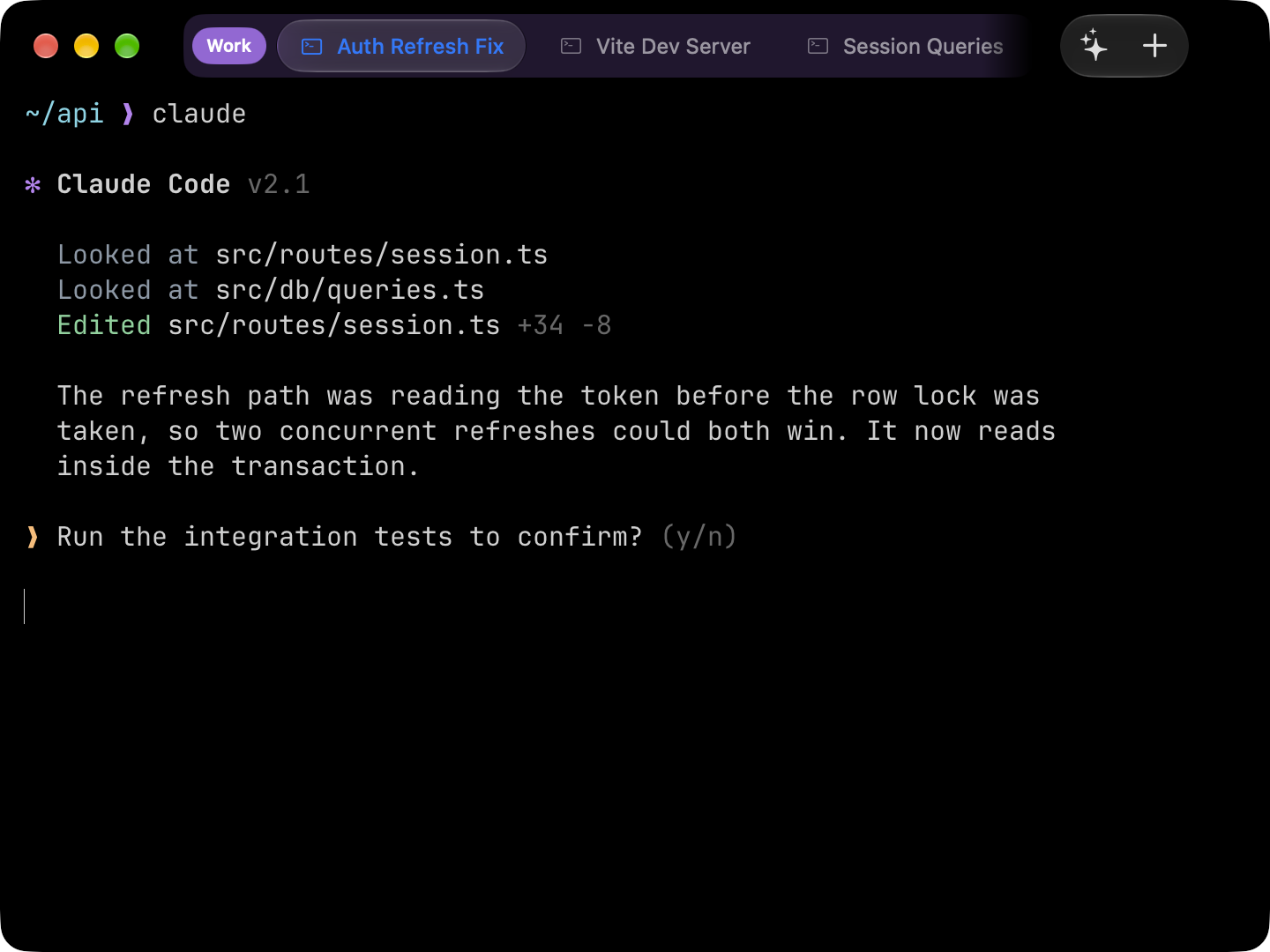
Three layouts, your call
Groups down the side, tabs across the top, or both.
Splits
Put two sessions side by side. Drag a tab onto the canvas to split with it, drag the divider to resize.
Everything from the keyboard
⌘P opens a palette with every action in the app. Type a few letters, hit return.
The things a terminal owes you
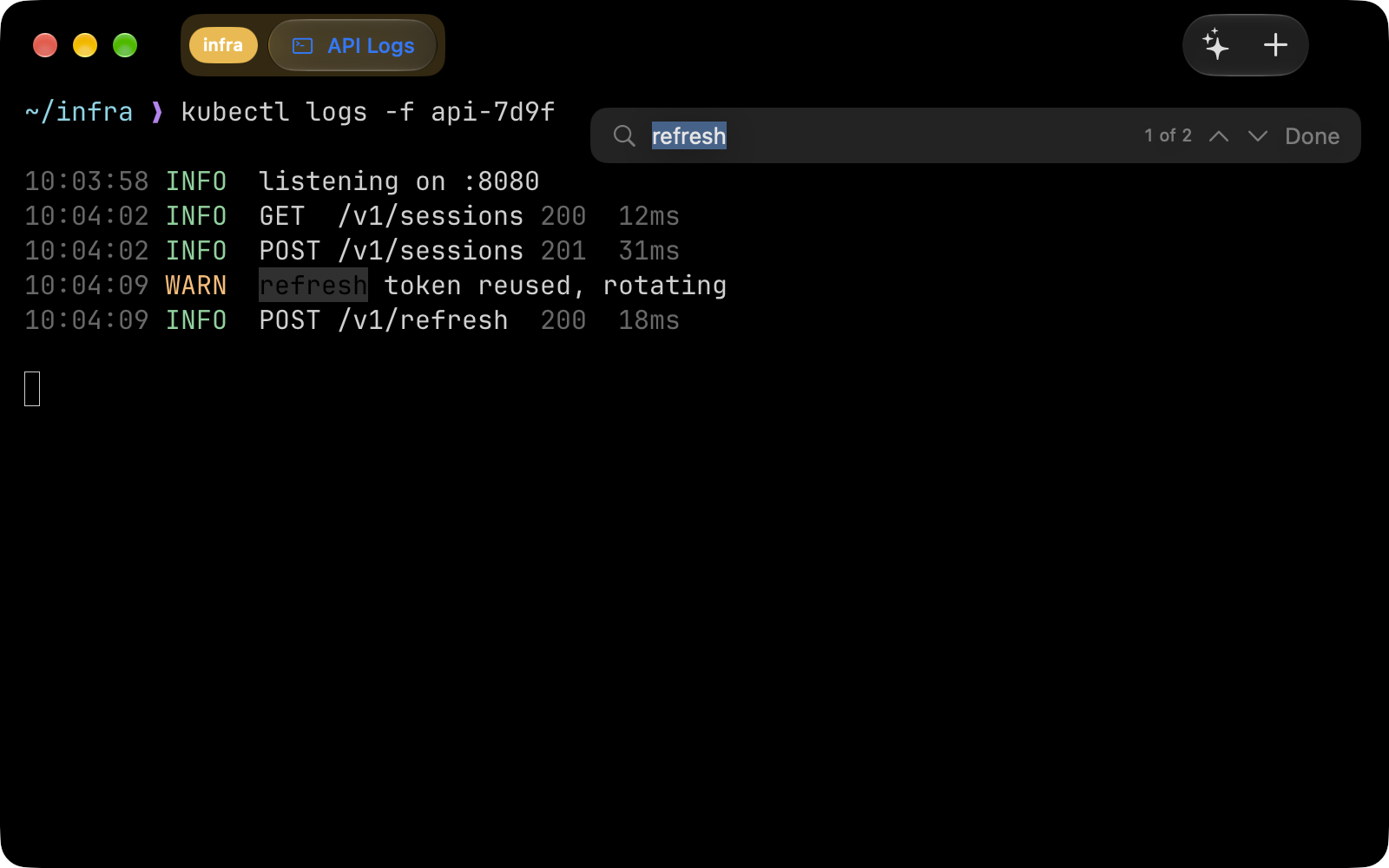
Search the scrollback. Click a link to open it. Zoom. A scrollbar if you want one.
Picks up where you left off
Your tabs come back after a restart. Save a window you like and reopen it whenever.
Yours to look at
Themes that move the window and the text together. True black for OLED. Your font, your size.
A real terminal underneath
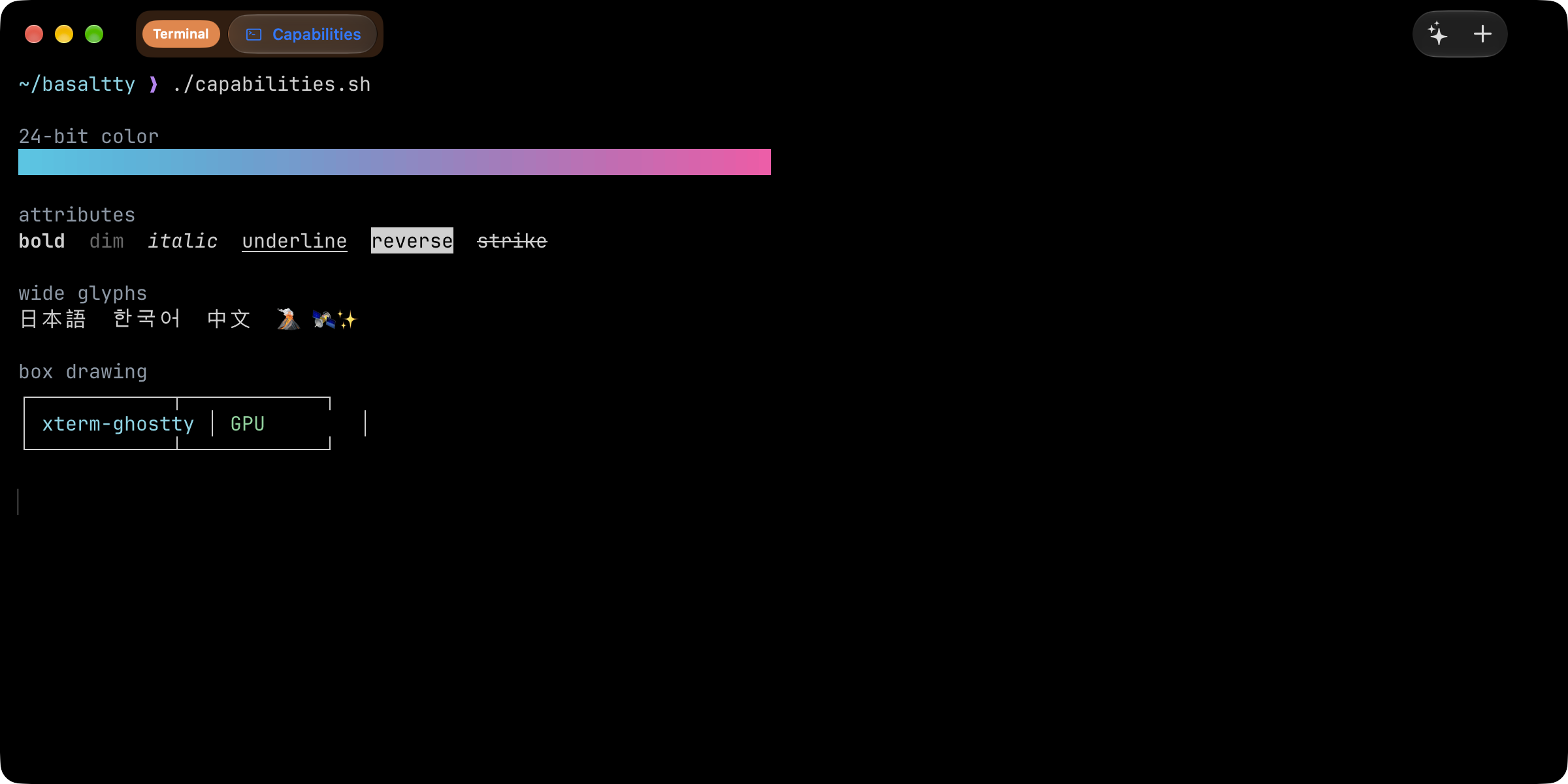
Built on Ghostty's core. Fast, true color, and everything you run behaves the way it should.
From the command line
Open any folder in a new tab without leaving the keyboard.
$ cd ~/src/checkout
$ basaltty
Pricing
Every app is free to use. Pro is one subscription, for opening more than one Mac from your phone.
iPhone and iPad
Free
One Mac, and as many SSH hosts as you like. No account to make.
Download on the App StoreOn the App Store, free.
Pro, $0.99 a month or $9.99 a year. Every Mac signed into your iCloud account, from every device. Renews until cancelled.
Get Basaltty
Download for macOS, freemacOS 26 or later. Apple silicon. Swift and Metal, not a browser.
Get it for iPhone and iPadiOS 26 or later, on the App Store.